
TL;DR
Secure hard drive destruction uses either physical methods (shredding, crushing, disintegration, drilling) or data sanitization techniques (degaussing, secure erasure, cryptographic erasure) to render data permanently unrecoverable. A security researcher once bought 41 used computers from stores — only two had been properly wiped clean. The right method depends on your data sensitivity, hardware type, and whether the device can be refurbished for reuse instead of sent to a landfill.
Introduction
A curious security expert bought 41 used computers from retail stores. Only two had been properly wiped clean. That’s 39 devices — loaded with personal information — sitting on shelves for anyone to buy and mine.
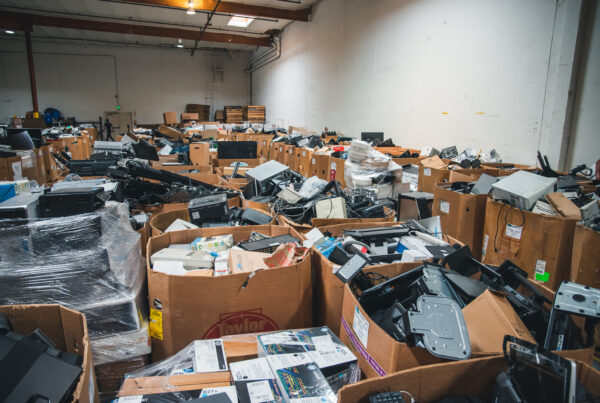
This isn’t a fringe problem. Morgan Stanley learned that the hard way in 2016, catching a $35 million fine for failing to properly dispose of hard drives containing customer data. That’s a staggering price tag for negligence — and it’s the kind of fallout that destroys customer trust overnight.
With regulations like GDPR and HIPAA tightening the screws on data handling, organizations can’t afford to treat hard drive destruction as an afterthought. Some companies destroy any drive that has ever touched their data, regardless of its current contents. Others take a more measured approach — sanitizing drives so they can live a second life. The right strategy depends on your security needs, your compliance obligations, and whether you’re willing to add to a growing e-waste crisis when alternatives exist.
Table of Contents
- What Is Hard Drive Destruction and Why Does It Matter?
- What Are the Best Physical Methods for Destroying a Hard Drive?
- What Data Sanitization Methods Work Without Destroying Hardware?
- What Are the Pros and Cons of Physical Hard Drive Destruction?
- What Best Practices Should You Follow for Secure Hard Drive Destruction?
- Can You Protect Data Without Destroying the Drive?
- FAQ
What Is Hard Drive Destruction and Why Does It Matter?
Hard drive destruction is the process of rendering data completely unreadable — using physical methods like shredding or electronic techniques like secure wiping — so that even the most advanced recovery tools can’t reconstruct your information.
A lively debate persists in the tech world over which approach wins. Proponents of physical destruction argue that literally crushing or shredding a drive is the only foolproof method. Other IT professionals counter that proper software erasure — using data wipe algorithms like DoD 5220.22-M — offers equal effectiveness with far less waste. The real dilemma: choosing between the absolute certainty of physical destruction, which renders hardware permanently unusable, and trusting software solutions that allow devices a second life.
For many businesses, this decision is driven by legal compliance. Organizations require official certificates of destruction not just for regulatory peace of mind but to maintain valid insurance coverage. The stakes are enormous. Slip up on data security regulations, and a company faces hefty fines, legal trouble, and the public fallout of a breach. No universal solution exists — the optimal method depends on data sensitivity, industry requirements, and specific device characteristics.
What Are the Best Physical Methods for Destroying a Hard Drive?
Four primary physical destruction techniques exist, each offering different levels of security, cost, and practicality.
Shredding
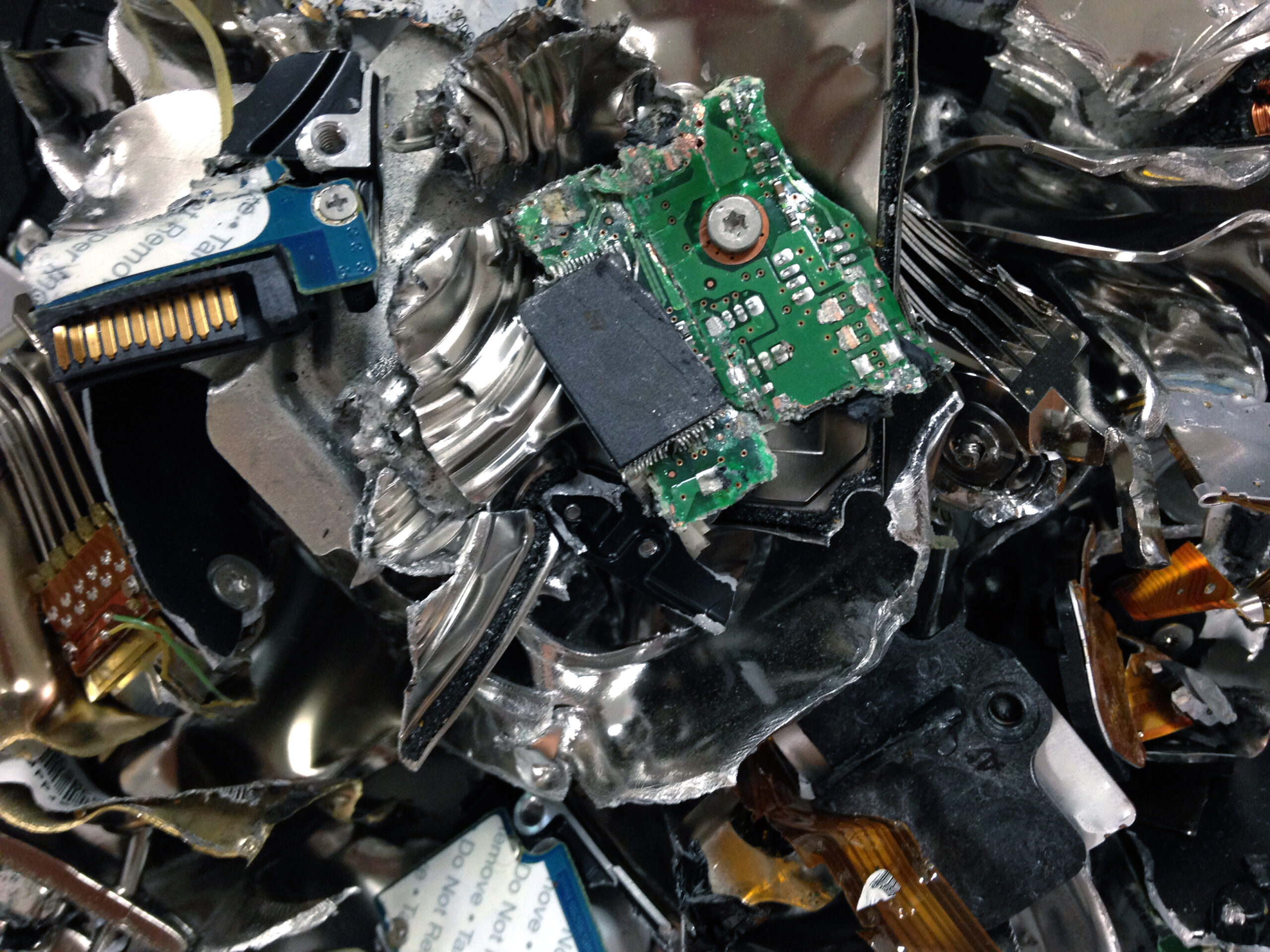
Industrial shredders slice hard drives into pieces as small as 2mm. These machines turn old tech into confetti, leaving no byte unturned. Many experts consider this the Fort Knox of data destruction — and it’s hard to argue with a drive reduced to metal flakes.
Crushing
Specialized crushers, like those from eDR Solutions, apply a staggering 7,500 pounds of force to drives. One punch renders a drive useless and its data irretrievable. If shredding feels too delicate, crushing brings the hammer down — literally.
Disintegration
For top-secret data, disintegration uses a conveyor system to feed drives into a knife-wielding disintegrator. This heavy-duty approach requires special power and ventilation setups. It’s the go-to method for classified information — the kind of approach government agencies rely on.
Drilling
Not every method demands industrial-grade equipment. Some IT professionals use drill presses, targeting key areas like the motor, controller board, and platter. While less secure than shredding or crushing, it can be done in-house on a budget.
What Data Sanitization Methods Work Without Destroying Hardware?
Three digital sanitization methods can render data irrecoverable without sending functional hardware to a landfill — an important distinction for organizations concerned about both security and sustainability.
Degaussing
Degaussing uses powerful magnets to scramble data on magnetic HDDs. Affordable degaussers start at a few hundred dollars, making the method accessible for many businesses. The catch: it only works on traditional magnetic hard drives, not modern SSDs.
Secure Erasure
Secure erasure follows strict standards like NIST 800-88 and uses tools such as DBAN and Blancco Drive Eraser to purge every last bit of data. SSDs require special firmware-based commands for a proper wipe. This method provides a thorough digital scrubbing while keeping the hardware intact.
Cryptographic Erasure
The most modern approach encrypts entire drives, then destroys the encryption key — rendering all data permanently unreadable. Some IT professionals use tools like BitLocker before a factory reset. When using FIPS-validated modules, cryptographic erasure is considered highly secure.
Each method offers a distinct approach. Some rely on brute force, others on clever digital tactics. The choice depends on your security needs, budget, and hardware type.
What Are the Pros and Cons of Physical Hard Drive Destruction?
Physical destruction provides unmatched certainty — but it comes at a cost that extends beyond your budget.
The Case for Physical Destruction
Even the most advanced recovery techniques can’t resurrect data from metal confetti. That’s priceless peace of mind for organizations handling sensitive information. Across government agencies adhering to rigorous NIST guidelines, financial institutions, and educational organizations, certified physical destruction creates an audit trail that satisfies regulators and serves as a safeguard during compliance checks. Some companies opt for on-site destruction services, bringing the data elimination process directly to their facilities to eliminate any chain-of-custody doubts.
The Case Against It
Here’s the tension: destroying functional hardware feeds our growing e-waste crisis. A recent study found that 70% of consumers consider a company’s sustainability efforts when making purchasing decisions. Destroying working devices feels wasteful — especially when those drives could find new homes if their previous owners had practiced data sanitization instead. The financial burden compounds the problem. Industrial shredders and degaussers carry hefty price tags, and for organizations managing thousands of drives, costs escalate rapidly.
The throwaway culture around electronics isn’t an inevitability. It’s a choice — and one worth reconsidering when secure alternatives exist.
What Best Practices Should You Follow for Secure Hard Drive Destruction?
Regardless of which method you choose, three practices separate responsible data destruction from a compliance liability.
Tailor Your Strategy to Your Data Sensitivity
Not all data warrants the same response. Highly sensitive information — financial records, patient data, classified materials — calls for physical destruction as the gold standard. Less critical data can be adequately protected through secure digital erasure. Some organizations take a comprehensive approach, combining digital wiping with physical destruction to eliminate data at every layer.
Implement a Chain of Custody
From the moment a drive leaves its original location, every step must be tracked. Advanced technologies like barcode scanning and GPS-tracked vehicles monitor drives in transit. At secure facilities, strict access controls and vetted personnel safeguard drives awaiting destruction. A broken chain of custody is a compliance nightmare waiting to happen.
Document Everything
Companies should receive detailed certificates listing destroyed drive serial numbers — concrete proof of data elimination. This paper trail is essential for regulatory compliance and offers peace of mind to businesses and their clients. Without documentation, you have no verifiable proof that destruction occurred.
Can You Protect Data Without Destroying the Drive?
Yes — and in many cases, you should. Secure erasure methods like DoD 5220.22-M and NIST 800-88 render data irrecoverable without destroying the hardware itself.
IT professionals regularly turn to trusted software solutions like DBAN or Blancco. For SSDs, built-in secure erase commands provide tailored destruction. These methods work especially well for less sensitive data or valuable hardware destined for reuse.
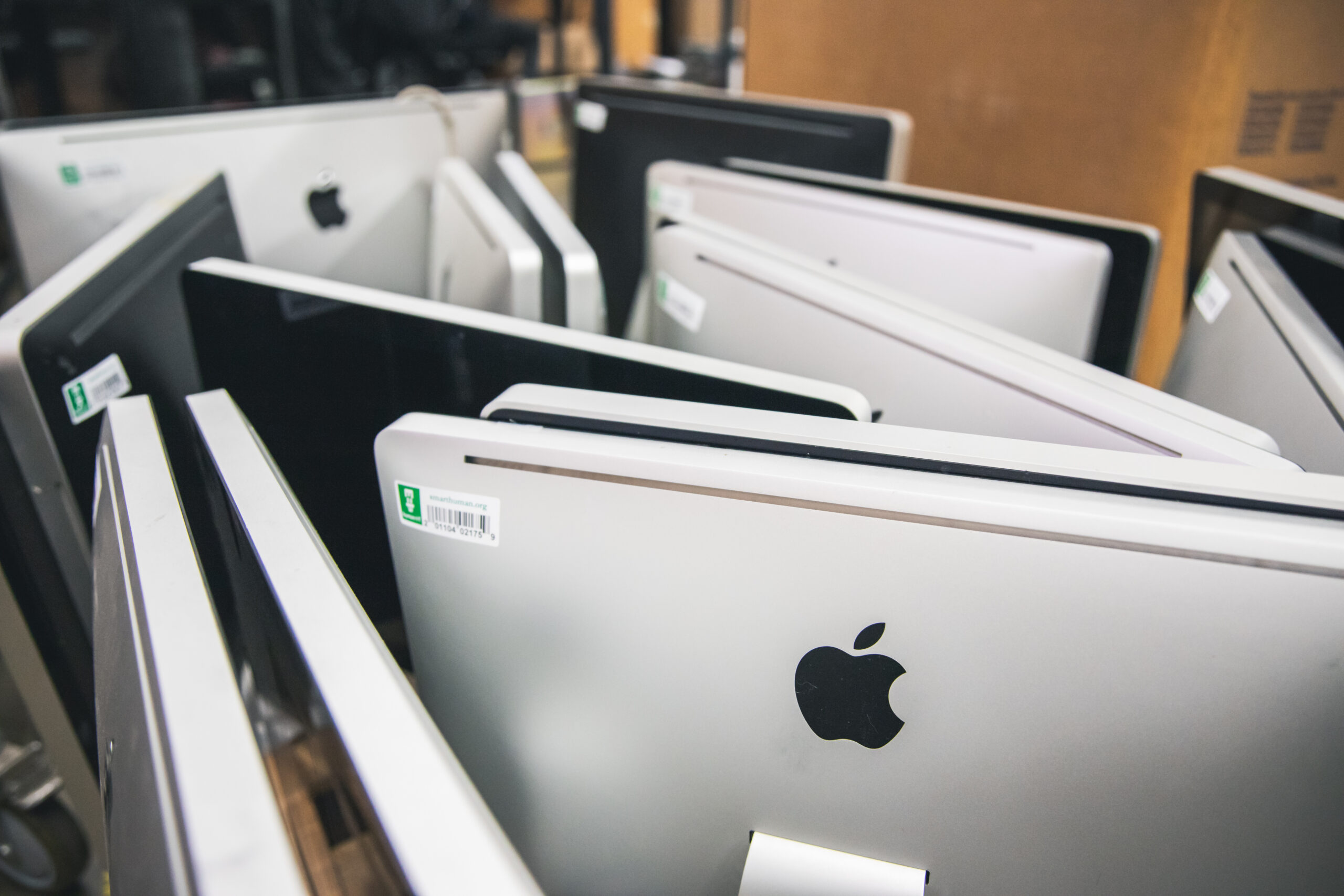
Here’s where security meets purpose: wiped clean, old devices can find new life in unexpected places. Some forward-thinking companies donate refurbished computers to schools or nonprofits like Human-I-T. This approach bridges the technology gap for working families and underserved communities while keeping e-waste out of landfills. Other organizations let employees purchase their old work devices at nominal fees after secure erasure — turning potential waste into trusted, affordable tech.
There is no one-size-fits-all solution. Each organization must weigh its unique needs against security requirements, sustainability goals, and practical constraints. But the default doesn’t have to be destruction. When a device can be securely sanitized and given a second life, choosing to shred it anyway isn’t caution — it’s waste.
Donate Your Technology to Human-I-T for Secure Data Destruction and a Second Life
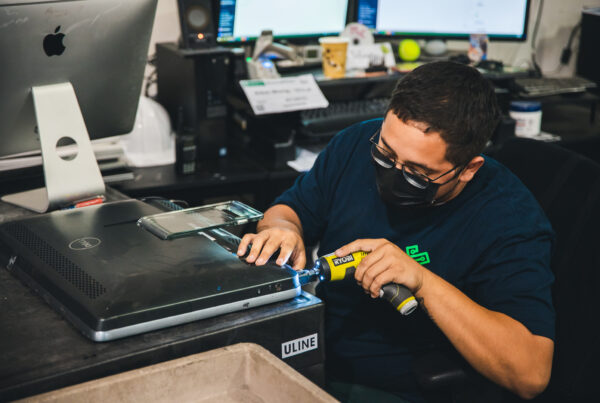
Don’t let old devices become ticking time bombs of personal or corporate information. Human-I-T’s comprehensive data sanitization services combine cutting-edge security practices — backed by NAID AAA certification — with a commitment to reducing e-waste. We ensure your sensitive data is thoroughly destroyed while giving hardware a second chance at life, putting refurbished devices into the hands of families who need them.
Fill out the technology donation form today to learn how Human-I-T can tailor a data destruction solution that meets your compliance requirements and aligns with your sustainability goals. Protect your data and our planet — one device at a time.
FAQ
How much does professional hard drive destruction cost?
Costs vary significantly by method. Degaussers start at a few hundred dollars, while industrial shredders and crushers represent much larger investments. For organizations managing thousands of drives, outsourcing to a certified ITAD provider like Human-I-T is often more cost-effective than purchasing equipment — and ensures proper documentation for compliance.
Is software-based data erasure as secure as physical destruction?
When performed using established standards like NIST 800-88 or DoD 5220.22-M, software erasure renders data irrecoverable and satisfies most regulatory requirements. Physical destruction provides an extra layer of certainty for highly classified or extremely sensitive data, but for many use cases, secure erasure is equally effective — with the added benefit of keeping functional hardware out of landfills.
What certifications should I look for in a hard drive destruction provider?
Look for NAID AAA certification, which verifies that a provider meets strict standards for data destruction. R2 certification and adherence to NIST guidelines are also strong indicators of responsible, compliant operations. Certified providers issue detailed certificates of destruction listing serial numbers — essential documentation for audits.
Can I donate old hard drives instead of destroying them?
Absolutely. If drives are securely sanitized using certified data destruction methods, they can be refurbished and redistributed to working families and underserved communities. Human-I-T accepts technology donations and handles secure data sanitization in-house, so your organization gets verifiable data destruction while devices get a second life — closing the digital divide instead of expanding the e-waste problem.
Does degaussing work on SSDs?
No. Degaussing only works on traditional magnetic hard disk drives (HDDs). Solid-state drives (SSDs) store data using flash memory, which is unaffected by magnetic fields. SSDs require firmware-based secure erase commands or cryptographic erasure for proper data sanitization.